Fps射击游戏开发:第二回
本文介绍
在上一篇文章中我们介绍了一些基本的先验内容,并且搭建了一个基础场景。本文目标,挂载枪支,并实现子弹射击逻辑
枪支挂载
首先需要创建枪支的刚体,用了三个cube搭建,同时把他用一个整体包裹,方便后续敌人复用。
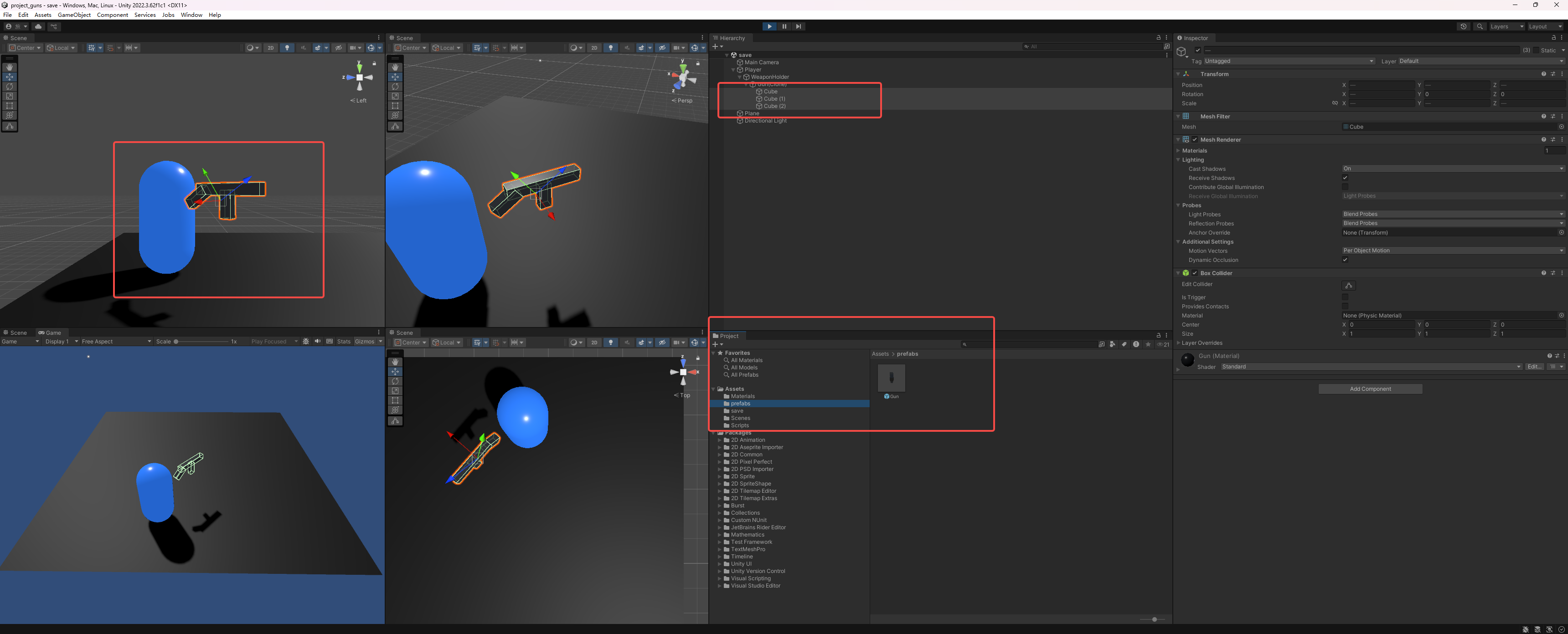
编写对应
Gun和GunController,具体代码如下:
Gun.cs
using System.Collections;
using System.Collections.Generic;
using UnityEngine;

public class Gun : MonoBehaviour
{
    // Start is called before the first frame update
    void Start()
    {

    }

    // Update is called once per frame
    void Update()
    {

    }
}
GunController
using System.Collections;
using System.Collections.Generic;
using UnityEngine;

public class GunController : MonoBehaviour
{
    public Transform weaponHold;
    public Gun startingGun;
    Gun equippedGun;
    void Start()
    {
        if (startingGun != null)
        {
            EquipGun(startingGun);
        }
    }
    public void EquipGun(Gun gunToEquip)
    {
        if (equippedGun != null)
        {
            Destroy(equippedGun.gameObject);
        }
        equippedGun = Instantiate(gunToEquip, weaponHold.position, weaponHold.rotation) as Gun;
        equippedGun.transform.parent = weaponHold;
    }

}
GunController.cs文件直接拖入player这个刚体中绑定,就是那个大圆柱刚体。同时记得把Gun图形文件拖入GunController的Starting Gun中进行绑定。
- 创建挂载点
因为我们需要枪支能够随着人物的位置、方向的变动而变动,所以通常做法就是给player设置一个挂载点(空的刚体),在本文中,就是那个weapon Hold,将其拖入GunController的Weapon Hold中。以此完成挂载点图形和变量的绑定。
效果如下: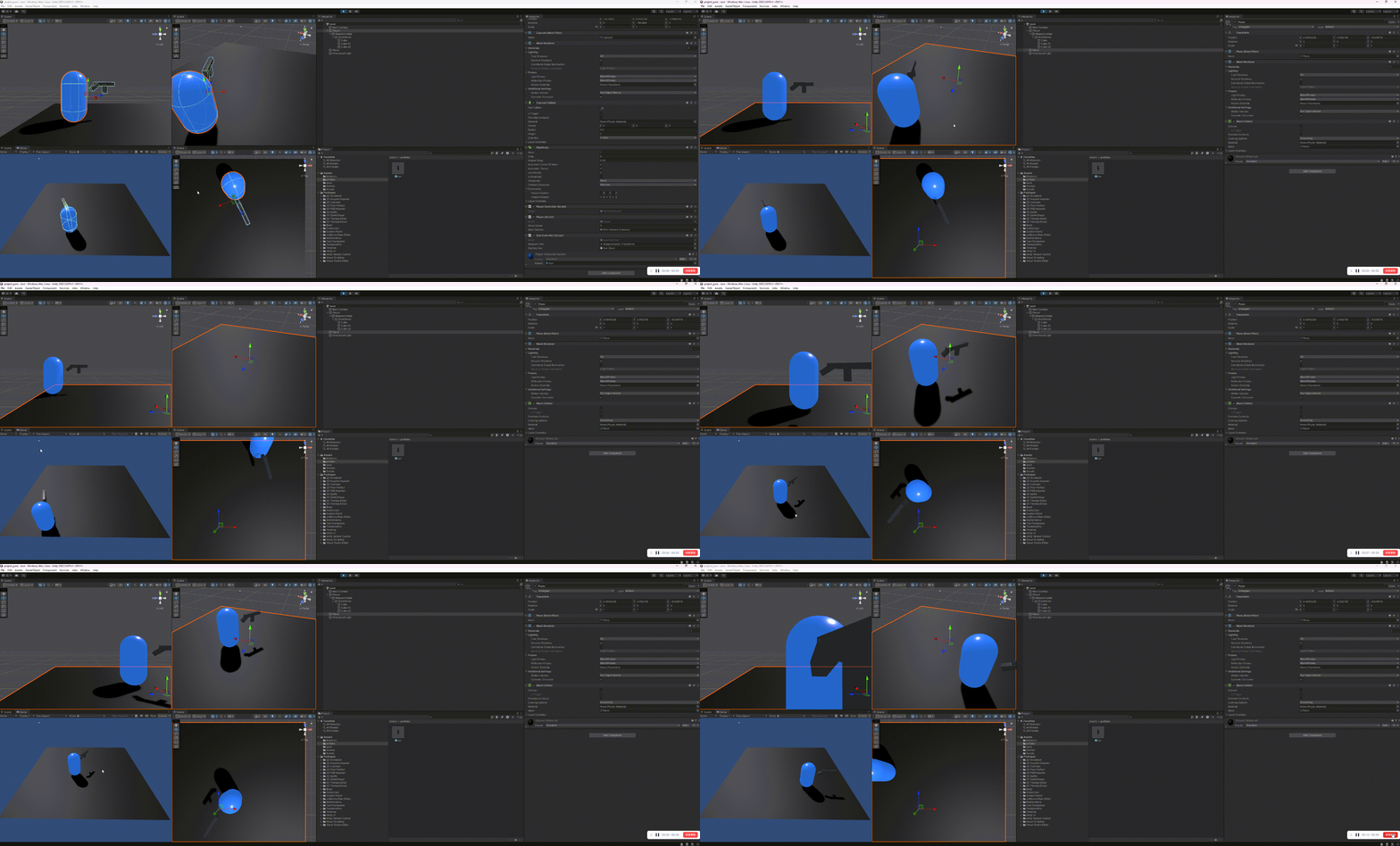
子弹射击
创建子弹代码。
using System.Collections;
using System.Collections.Generic;
using UnityEngine;

public class ProjectTile : MonoBehaviour
{
    float speed = 10;
    public void SetSpeed(float newSpeed)
    {
        speed = newSpeed;
    }
    // Update is called once per frame
    void Update()
    {
        transform.Translate(Vector3.forward * Time.deltaTime * speed);
    }
}
修改Gun文件
using System.Collections;
using System.Collections.Generic;
using UnityEngine;

public class Gun : MonoBehaviour
{
    public Transform muzzle;
    public ProjectTile projecttile;
    public float msBetweenShots = 100;
    public float muzzleVelocity = 35;
    float nextShootTime;
    public void Shoot() {
        if (Time.time > nextShootTime) {
            nextShootTime = Time.time + msBetweenShots / 1000;
            ProjectTile newProjectTile = Instantiate(projecttile, muzzle.position, muzzle.rotation);
            newProjectTile.SetSpeed(muzzleVelocity);
        }
    }


}
捕获鼠标左键点击
using System.Collections;
using System.Collections.Generic;
using System.ComponentModel;
using UnityEngine;

[RequireComponent(typeof(PlayerController))]
[RequireComponent(typeof(GunController))]
public class Player : MonoBehaviour
{
    public float moveSpeed = 5;
    public Camera mainCamera; // 在Inspector中拖入主相机
    PlayerController controller;
    GunController gunController;

    void Start()
    {
        controller = GetComponent<PlayerController>();
        gunController = GetComponent<GunController>();
        // 自动获取主相机(如果没手动拖入)
        if (mainCamera == null)
            mainCamera = Camera.main;
    }


    void Update()
    {
   ...
   ...
        // weapon
        if (Input.GetMouseButton(0))
        {
            gunController.Shoot();
        }


    }
...
...
}
修改guncontrol
using System.Collections;
using System.Collections.Generic;
using UnityEngine;

public class GunController : MonoBehaviour
{
    public Transform weaponHold;
    public Gun startingGun;
    Gun equippedGun;
...
...
    public void Shoot()
    {

        if (equippedGun != null)
        {
            equippedGun.Shoot();
        }
    }

}
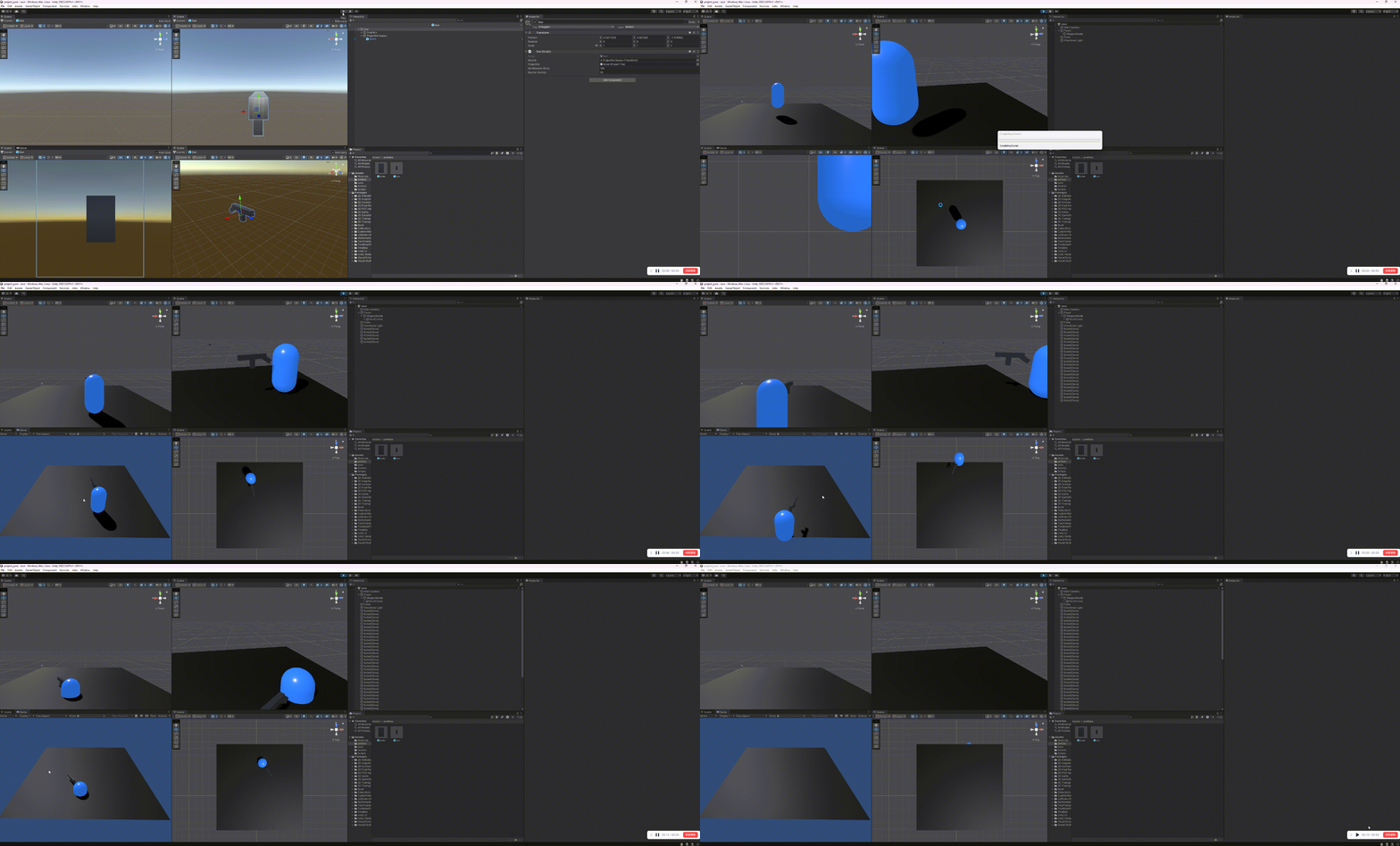
最终效果:
All articles in this blog are licensed under CC BY-NC-SA 4.0 unless stating additionally.